

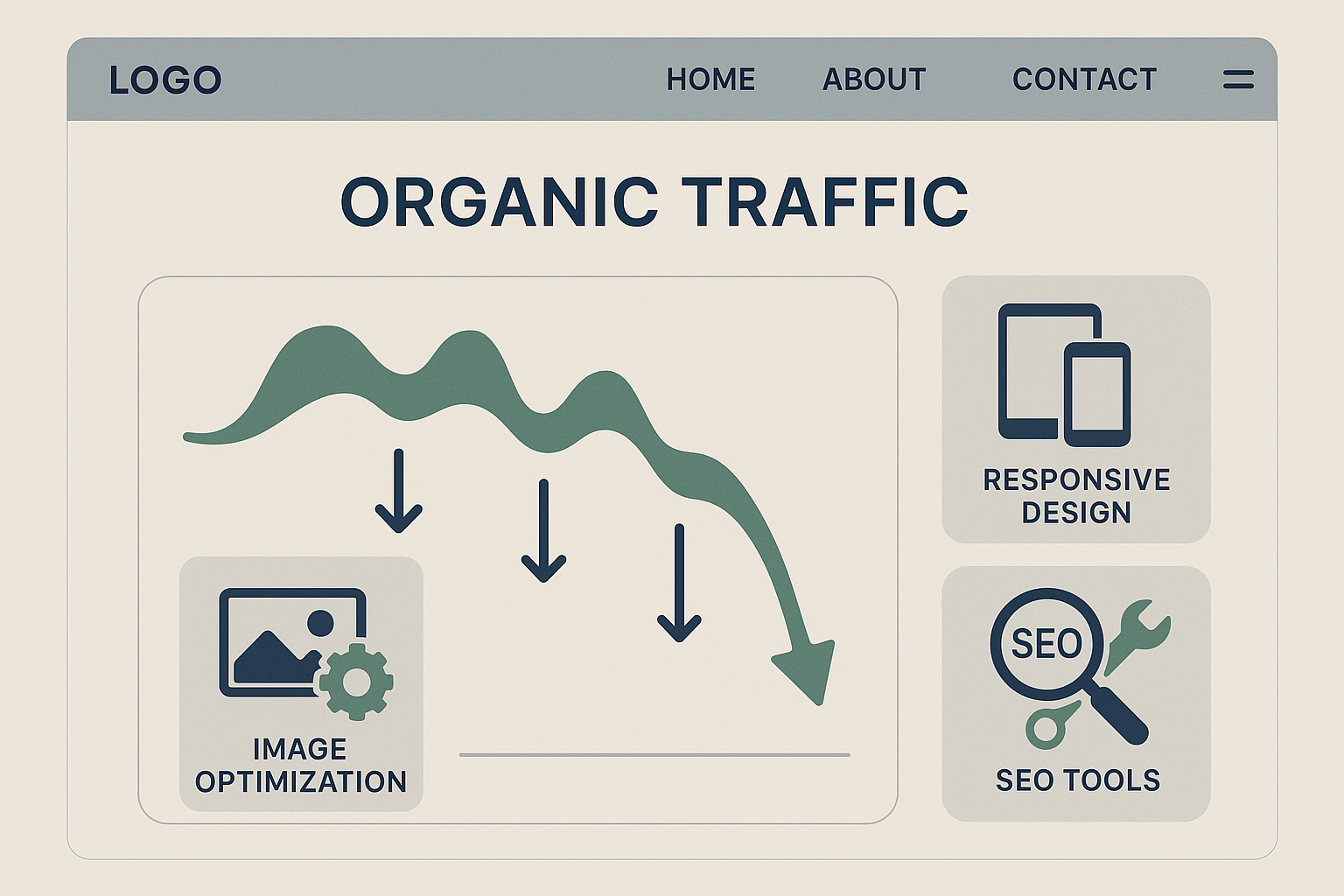
The drop in organic traffic after unexpected layout changes
Layout changes can cause drops in organic traffic and conversions. See how to avoid this in your project.
The drop in organic traffic after unexpected layout changes
When a layout change results in loss of organic traffic
In a real project, our team decided to modernize a site that already had a consistent flow of visitors. The idea was to make the layout more appealing, but the situation turned into a nightmare: organic traffic dropped dramatically by 30% right after the launch. No one noticed that, by reformulating the design, several URLs became inaccessible to search engines.
The importance of maintaining existing URLs
Layout changes that include URL restructuring are often misunderstood as benign. The team made adjustments thinking the new structure could improve navigation. However, the result was disastrous, as the new URLs were not redirected correctly, causing 404s that frustrated both users and Google crawlers.
How image optimization can harm SEO
Another case I saw was in an e-commerce site that decided to implement image compression to improve loading times. However, they forgot to use alt tags properly. The site improved its score on Lighthouse, but lost visibility in searches because many products were no longer being indexed. This type of mistake is easy to make!
When responsive design compromises user experience
We made significant changes to optimize the site for mobile, but without conducting proper tests. The responsive design that was meant to enhance navigation caused confusion among users who couldn’t see where the action buttons were. After all, a beautiful layout must also be functional; otherwise, the conversion rate plummets.
Practical checklist
- Update the robots.txt file to allow access to new URLs.
- Use 301 redirects for previous URLs.
- Implement A/B testing to check the impact on conversion.
- Monitor Google Search Console to detect indexing issues.
- Always check the crawlability of new layouts with SEO tools.
Common mistakes
- Underestimating the importance of alt tags on images.
- Making changes without consulting prior analytics data.
- Not testing the responsive layout on various devices.
- Ignoring direct feedback from users after an update.
How to apply in practice (step by step)
- Gather analytical data on the site performance before any changes.
- Implement a testing plan that will allow for quick reversions of changes if needed.
- Conduct usability tests with real users to understand how they interact with the new layout.
- Regularly monitor your metrics after launch, especially organic traffic and conversion rate.
Frequently asked questions
- What should I do if my organic traffic dropped after the layout change? Check Google Search Console for indexing errors and implement redirects.
- When is it safe to change old URLs? After ensuring that all redirects are working correctly.
- How can I know if my layout is responsive? Use tools like Google Mobile-Friendly Test.
- Should I inform users about the changes? Yes, this can minimize frustrations and assist in the transition.
- What is the ideal frequency for reviewing the site layout? This depends on user feedback, but annual reviews are recommended.